
SAP BusinessObjects
Seamlessly integrate Location Intelligence into your SAP Business Objects Platform
The Galigeo Location Intelligence solution integrates directly into your SAP Business Intelligence tools. Using our solution, you can create relevant representations of your data on a map in just a few clicks, and you don’t need to be expert in mapping either.
Your teams find it easy to take ownership of the software package and decision-making becomes a whole lot quicker. Take advantage of location intelligence for SAP Web Intelligence, SAP Lumira Discovery, SAP Lumira Designer and SAP Analytics Cloud.
Scroll down to discover more
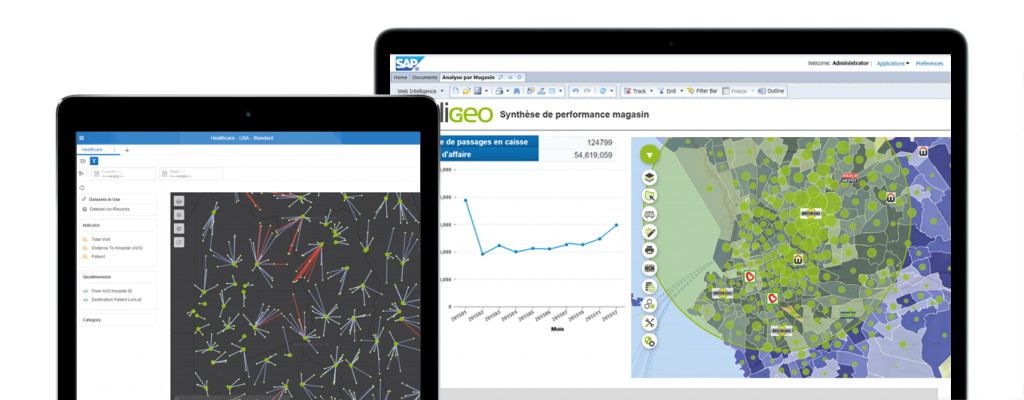
A complete set of Geomapping Solutions for SAP BI Suite
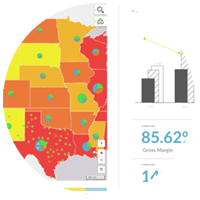
SAP Analytics Cloud
Harness all the potential of Location Analytics directly in the Cloud
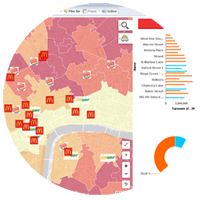
SAP Lumira Designer
Enrich your business applications with advanced Geo-Analysis capabilities
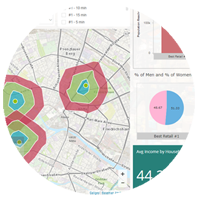
Best-of-breed Geomapping solutions for SAP Business Objects
Tried-and-tested solution
30,000 users around the world use Galigeo for SAP on a daily basis to answer their strategic location-related questions.
SAP-Certified
The Galigeo solution for your SAP platform meets all SAP-required quality standards.
Universally accessible
No need to be a technical expert to create map displays and spatial analyses from your data.

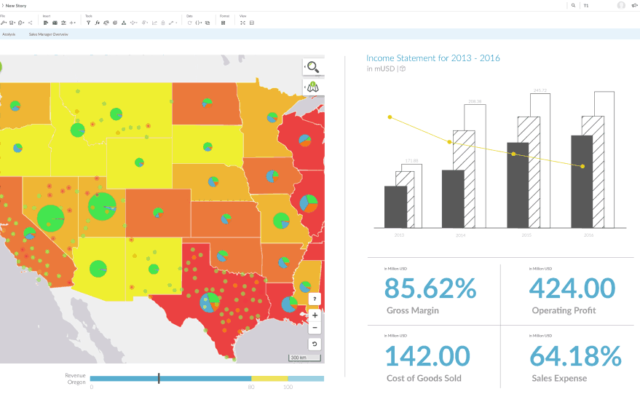
All the power of Spatial Analytics in the Cloud
Galigeo For SAP Analytics Cloud
Enhance your stories and applications with map representations of your data and carry out spatial analysis straight from your browser in Cloud mode.
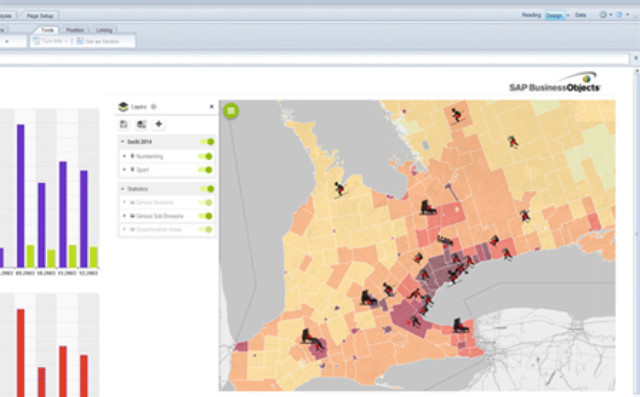
Improve your operational reporting
Galigeo For SAP Web Intelligence
Create layers of geographical information from your data in just a few minutes. Give your users the possibility of carrying out relevant spatial analyses without leaving their SAP BI platform.
Star-product on the SAP App Center
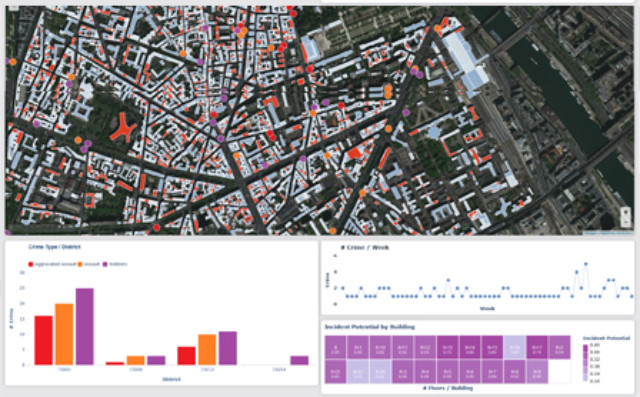
Customised mapping features
Galigeo For SAP Lumira Designer
Give your business applications a boost with customised mapping features.
Add your business logic to maps directly and intuitively. Provide your users with customised representations and spatial analyses that meet their business needs, both on computer and tablet.
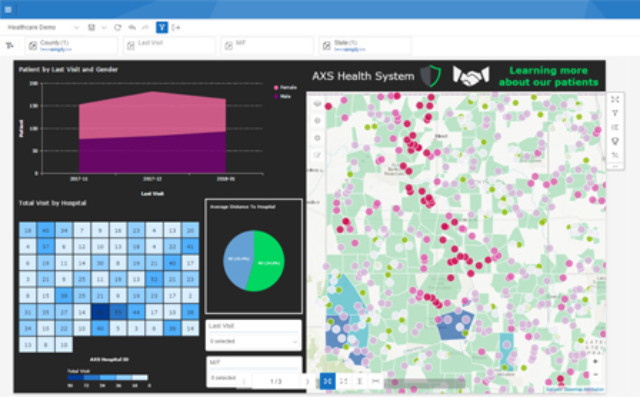
Your maps and analyses in self-service mode
Galigeo For SAP Lumira Discovery Freemium
Use the click-and-drag interface of Lumira Discovery to quickly create relevant maps. See your data from a different angle and improve your storytelling.
Why wait? It’s a free product!

With Galigeo for SAP, your users benefit from a simple and intuitive solution. They create, share and consult mapping analyses in a few moves, without leaving their SAP BusinessObjects environment.

Your users can at last express their creativity thanks to an ample range of off-the-shelf mapping features. Their analyses are more effective, they find the answers to their questions and make better decisions, faster.
Organise your data with SAP BusinessObjects
Big data and data visualisation are revolutionising decision-making. With SAP Business Objectives, decision-makers can now organise vast amounts of data and key indicators more easily and clearly. The machine learning integrated into the Galigeo platform brings your database to life, whatever your sources, to help you make smarter decisions every day.
Putting their trust in us


SNCF Security
SNCF uses predictive analytics to ensure transport safety without increasing costs. SNCF Security put its trust in the Galigeo geospatial business intelligence platform to optimise decision-making.

City of Paris
When mapping analysis improves the smart city. The French capital has chosen to use the Galigeo geospatial business intelligence platform. Its aim is to get a better understanding of residents’ habits and behaviours as regards waste and set up waste collection accordingly.

Police
Improving crime prediction with location intelligence. To bolster its pragmatic approach to the fight against crime, the institution has chosen to rely on Galigeo’s geospatial business intelligence platform.It’s time to take action
Improve your reporting abilities by adding location intelligence to your SAP BI tools – with the help of Galigeo solutions. Get in touch with us now.