

Suivez nous :


G26 streamlines the user experience with an all-new navigation system, enriched mobility flow data, rapid view access, native Power BI authentication, and a dedicated Site Study module.
Enhanced Navigation
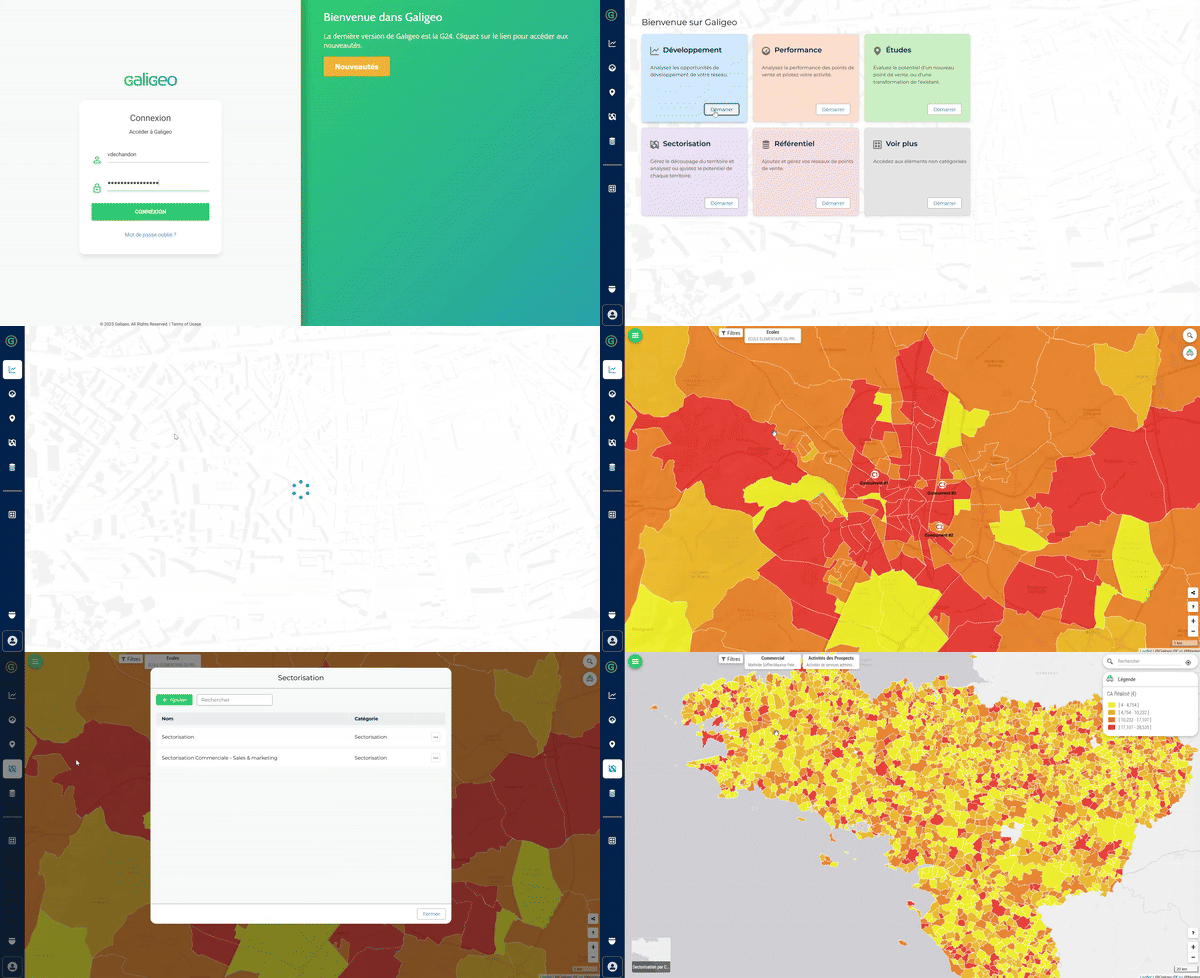
Streamlined Interface: Features a persistent sidebar for intuitive access. Groups tools by business themes for faster navigation via direct clicks or sub-menus. The display is fully personalized based on user permissions, providing a unified experience across all Galigeo modules.
Mobility Flow Data
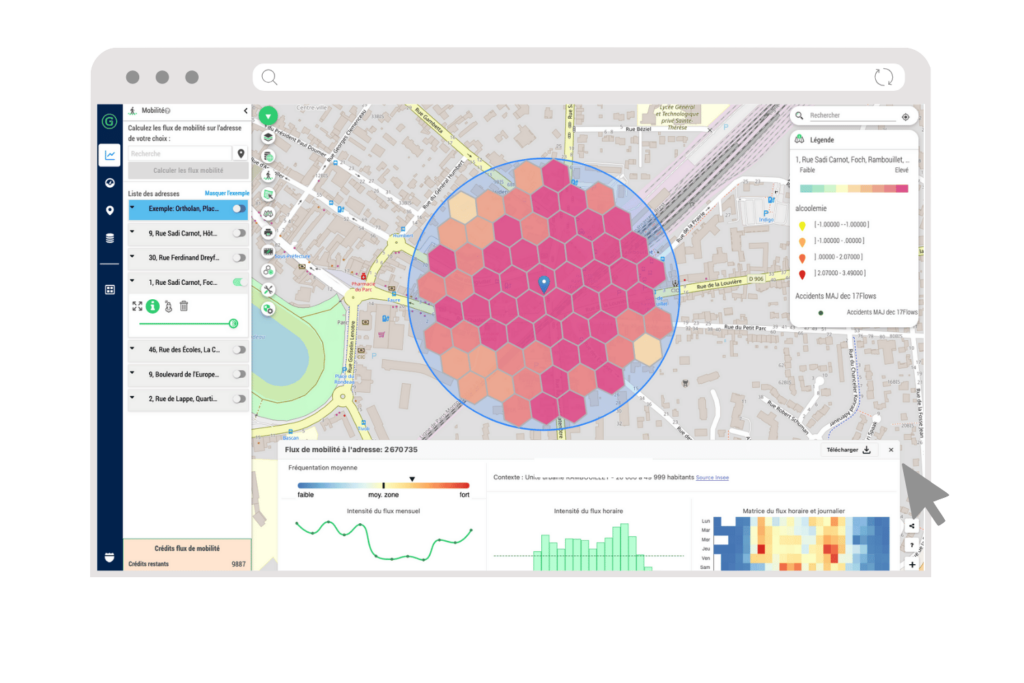
Expanded Insight: New data provider offering +42% increased coverage. Includes comparison gauges by urban area, downloadable charts for presentations, and enhanced site comparison tools to de-risk location intelligence and investment choices.
Rapid View Access
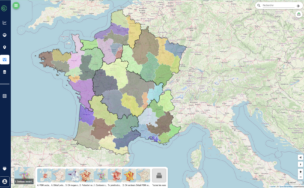
One-Click Navigation: Switch instantly between multiple views using auto-generated thumbnails created during the save process. Includes direct access to the layer panel via the "See More" button.
Power BI Authentication
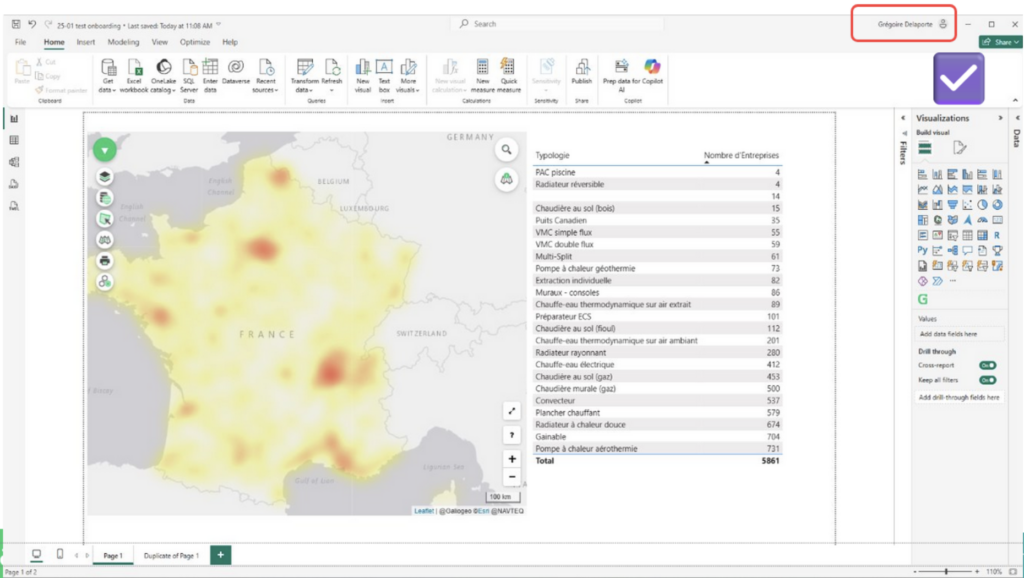
Enterprise-Grade Security: Full Microsoft SSO integration, allowing users to authenticate using their standard Microsoft credentials. Provides administrators with complete user traceability and simplified access management.
Site Insights Module
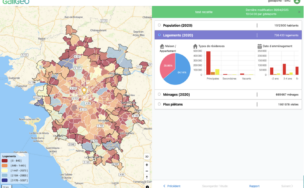
Three-Step Evaluation Tool:
Zone Definition: Create isochrones and adjustable perimeters.
Potential Analysis: Layer socio-economic data and pedestrian flows.
PDF Export: Generate professional reports to share with stakeholders.
Additional Improvements
Territory Manager: Advanced filtering capabilities.
Technical Stack: Support for Tomcat 10+ and Google SSO compatibility.
Cartography: Updated high-resolution base maps.
Reporting: Universal report export functionality for all user types.

Grégoire Delaporte