


Amplified power
The combination of Galigeo and Power BI allows users to visualize large volumes of data directly on their maps.
Galigeo integrates seamlessly into Power BI, delivering a smooth and enriching experience. With its advanced spatial analysis capabilities and extensive data catalog, users can design, analyze, and share precise and strategic map visualizations.
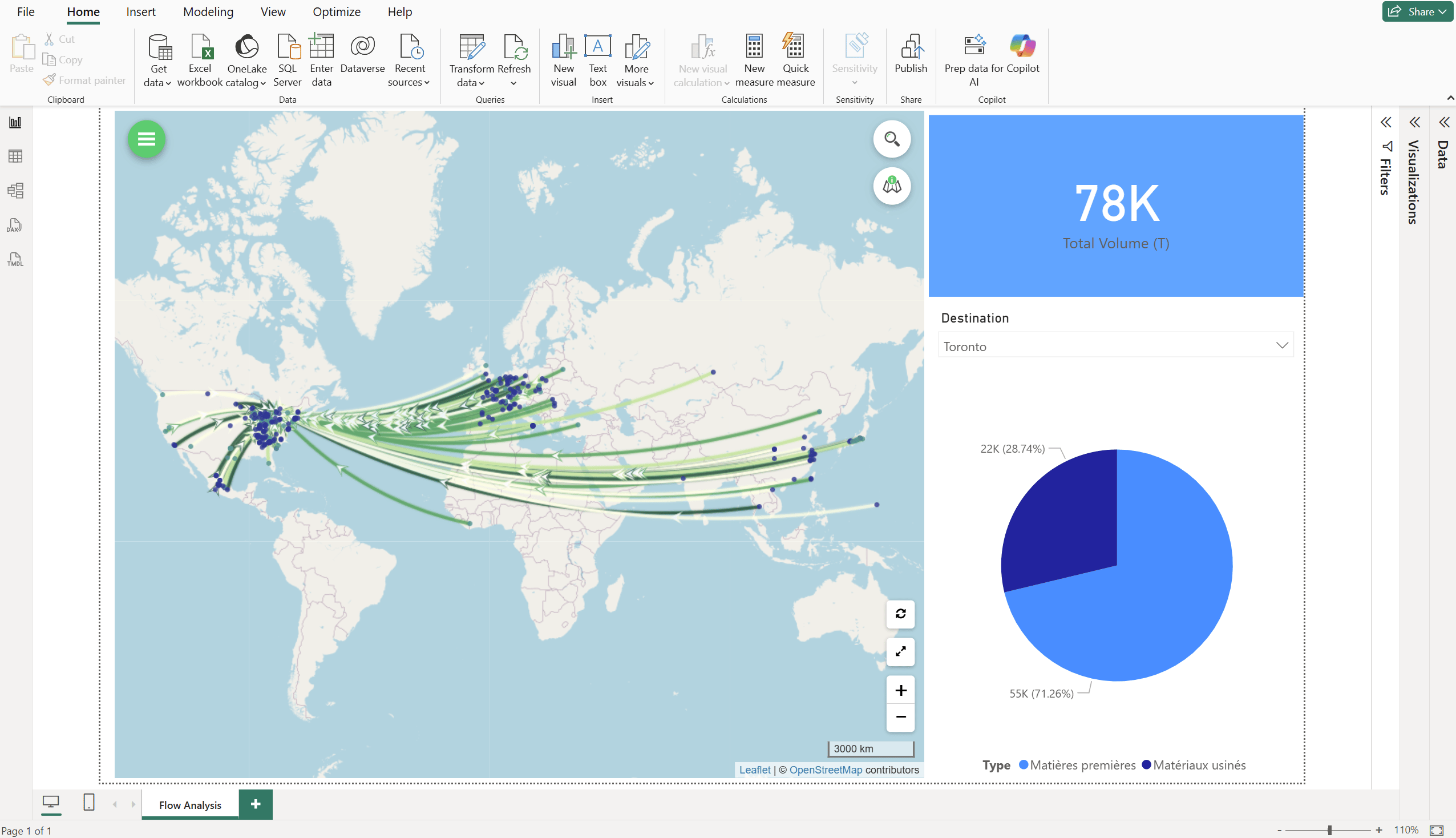
The combination of Galigeo and Power BI allows users to visualize large volumes of data directly on their maps.

No need to be a mapping expert to create map visualizations and perform precise spatial analyses of your data.

Design and leverage your maps directly within your Power BI reports.
Powerful visualizations, in-depth analyses, and geographic insights to turn your data into strategic decisions.
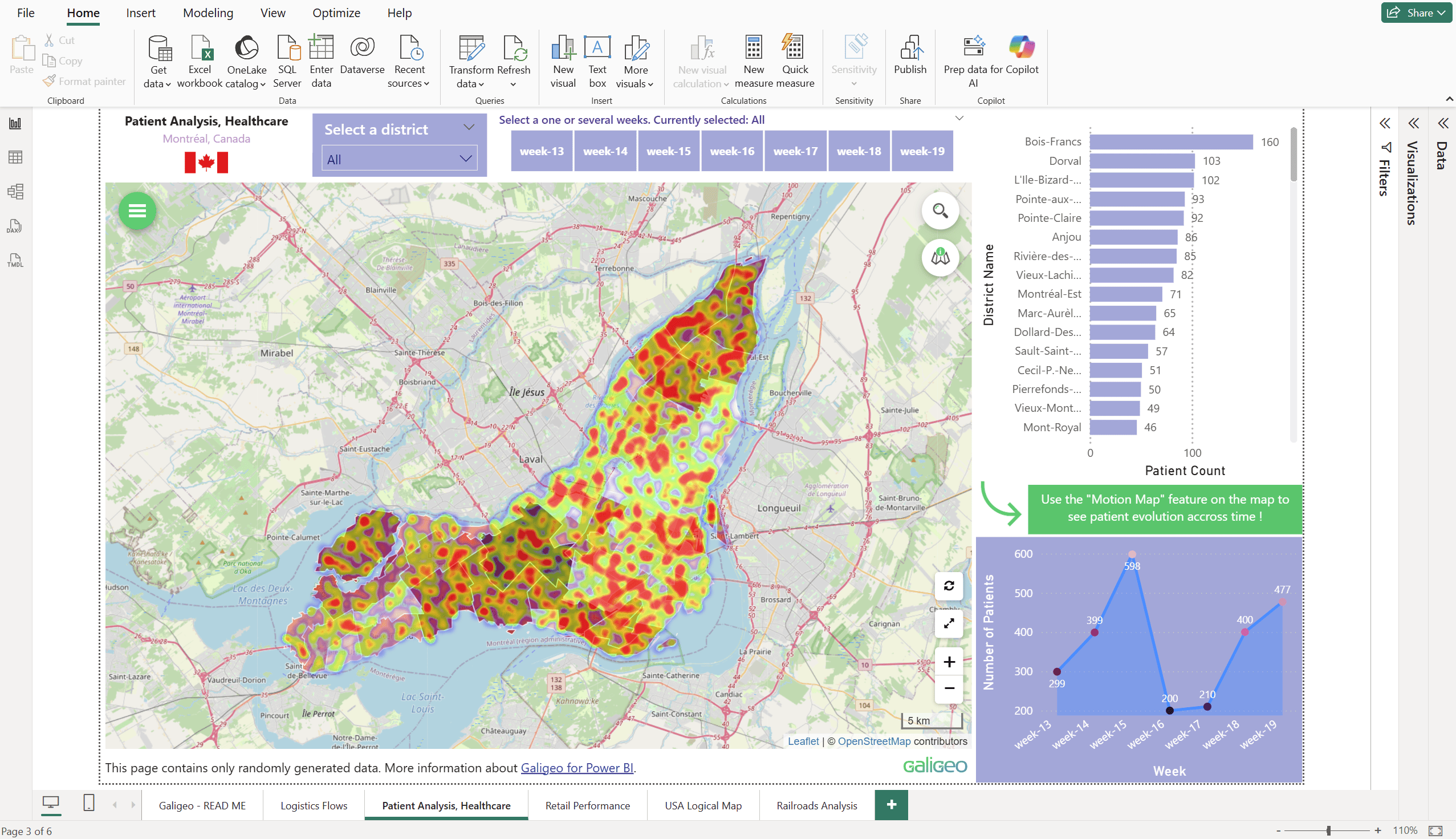
Easily create map representations of all your data and indicators, and visualize your business geographically.
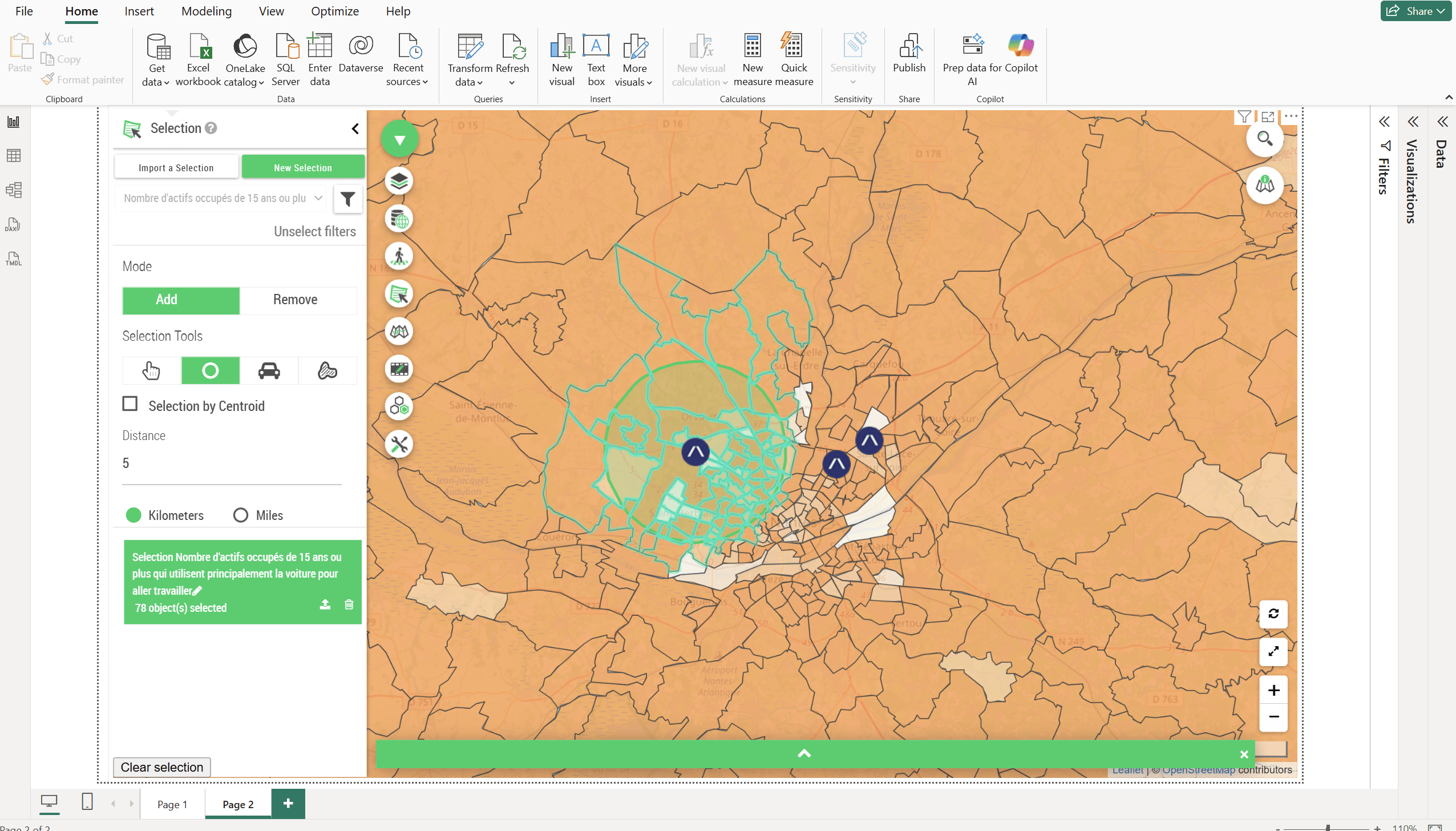
Filter all data by spatial selection, such as distance, proximity, or drive time.
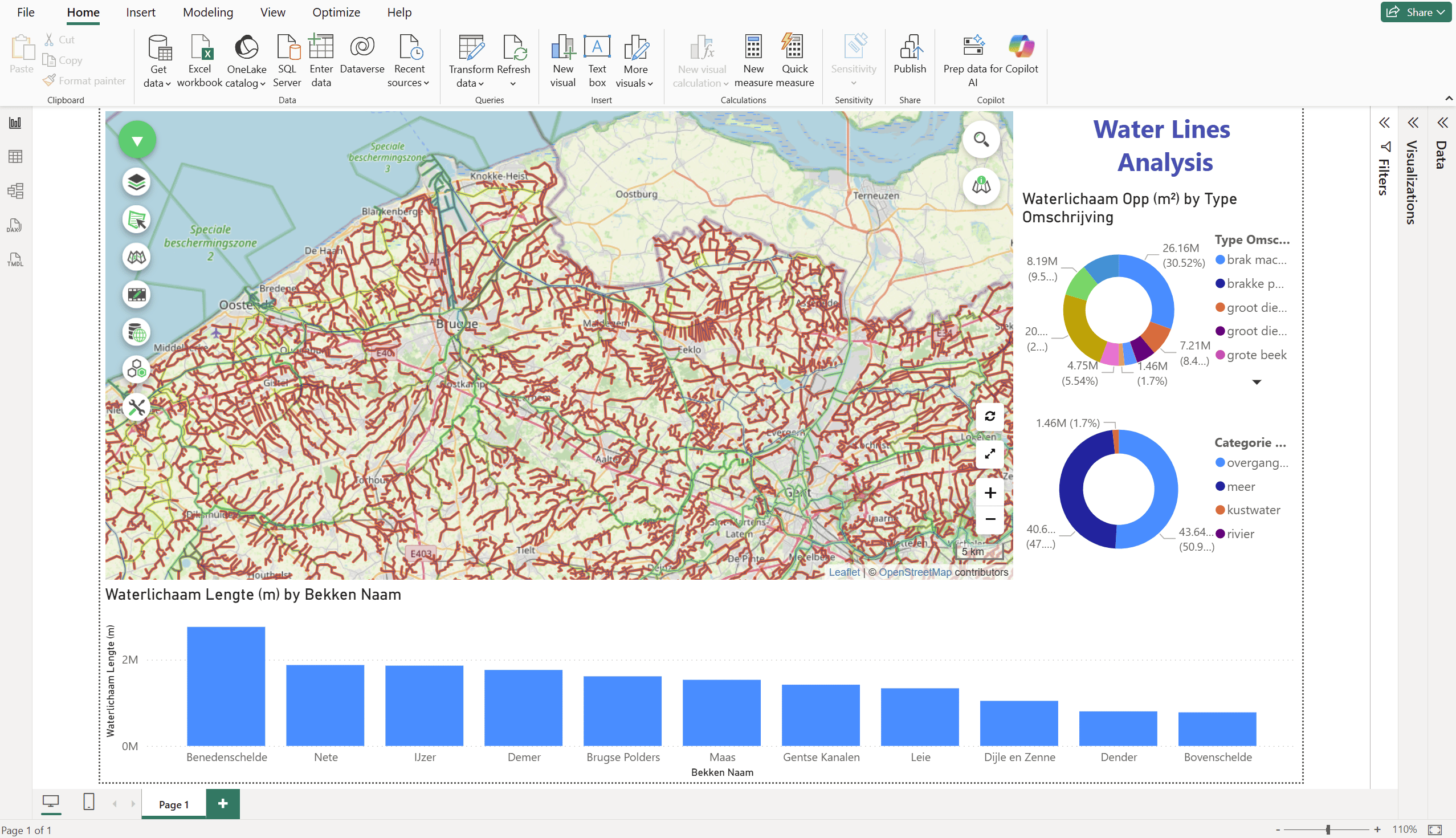
Animate your data by choosing a time axis and observe how your indicators evolve across space and time.
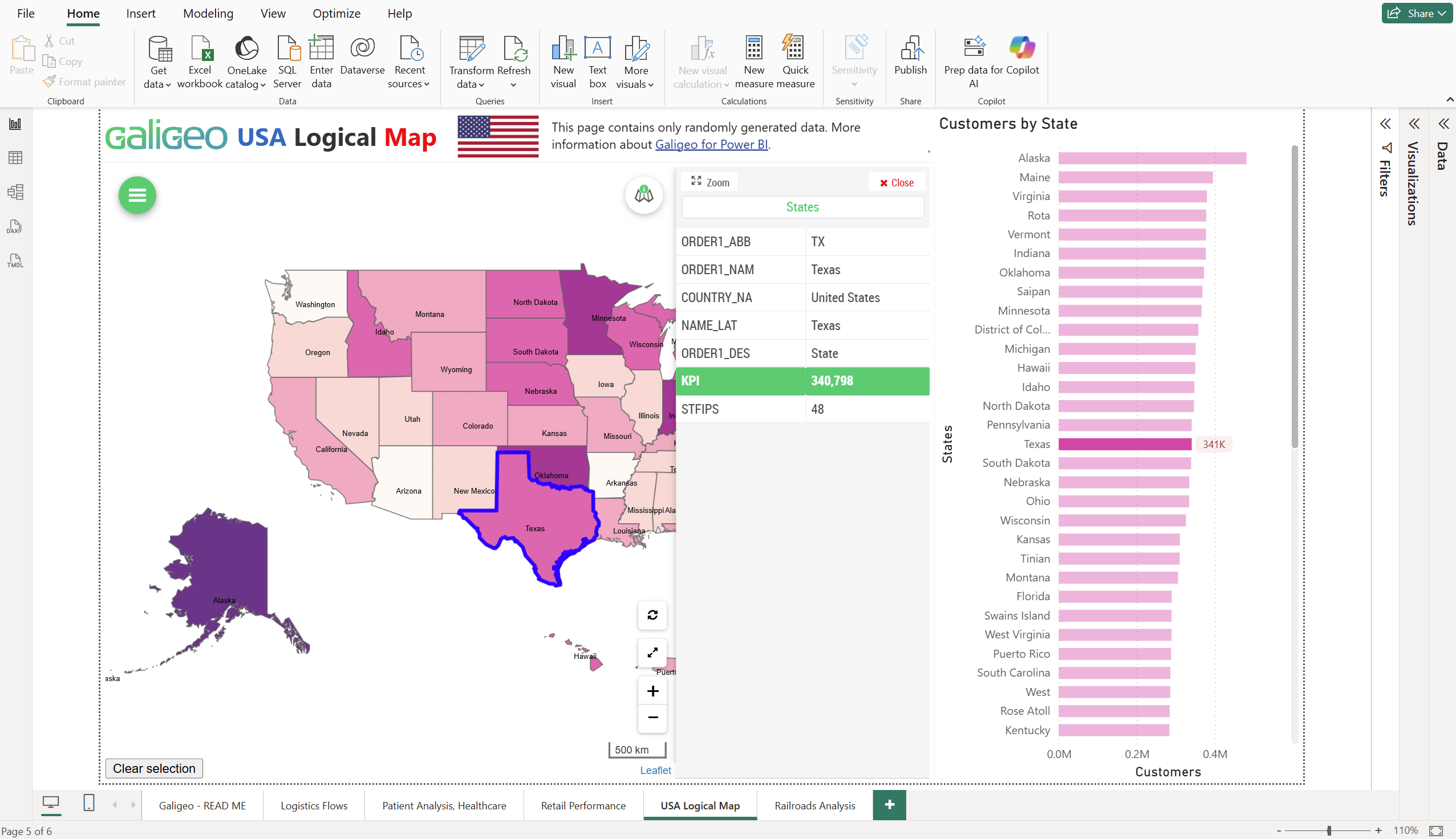
Perform actions on the map to interact with the other components of your reports, dashboards, and applications. And vice versa.
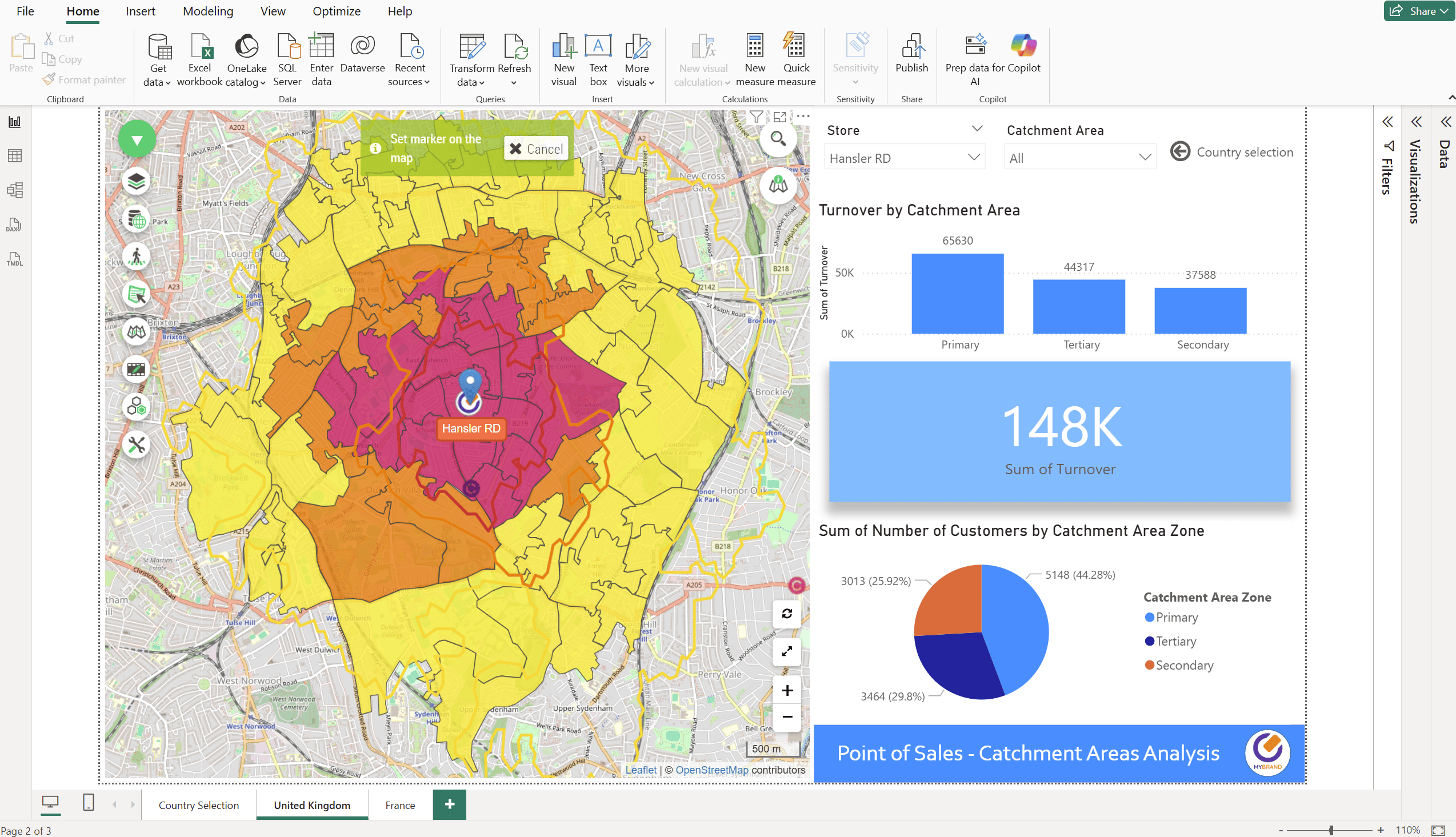
Calculate your trade areas dynamically.
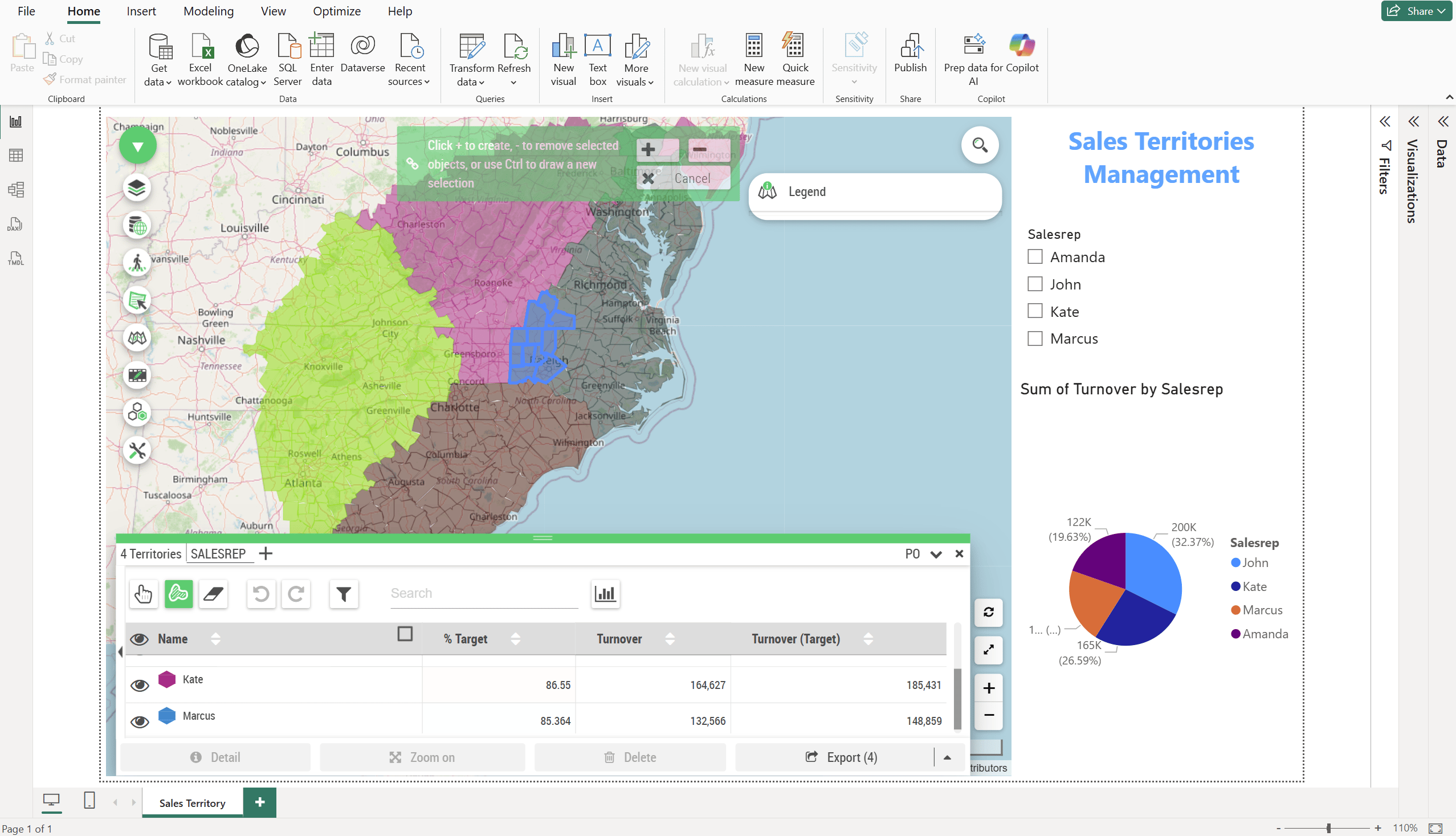
Manage your sales territories dynamically from Power BI using your business indicators.
Connect your geographic data to your business data and access your spatial reports from any Power BI environment.
With Galigeo, connect to your GIS servers like Esri ArcGIS or GeoServer, or simply import your shapefiles, GeoJSON, and KML files locally, and correlate all geographic data with your business data.

Galigeo Maps for Power BI works on Power BI Desktop, Power BI Services, Power BI Embedded, and Power BI Mobile. Your spatial reports are always accessible whether users are at the office or in the field.

Leverage a catalog of over 350 pre-calculated socioeconomic and demographic indicators to contextualize your business data, identify market opportunities, and refine your territorial strategies.

Junior Business Intelligence Specialist, Future Metals

“By using Galigeo flow maps within Power BI, logistics teams can streamline transportation spending and improve overall competitiveness.”

Responsable Data Factory, Tryba

“With Galigeo for Power BI, we can establish strategic sales territories for every store and keep field teams aligned by sharing real-time goal tracking.”

Cheffe de projet SIG, TotalEnergies

“We leverage Galigeo for Power BI to provide business teams with access to advanced mapping reports.”
Start your trial today, let's discuss your map tomorrow.